
Description
Buy AWS Account — Hand-Verified, Delivered in Minutes
If you need to buy an AWS account that is verified, billing-enabled and ready to deploy into today, CloudAccMarket has one waiting. Delivered within minutes, replacement warranty included.
Amazon Web Services runs a large share of the internet. Getting into it is disproportionately painful. The technology is the easy part — the signup form is where people lose days they cannot bill for.
Why This Is Worth Buying Rather Than Making
AWS signup demands a card it recognises and a phone number it can verify, and then reserves the right to put your brand new account into review for several days without explaining why. The verification charge fails routinely on international cards. Phone verification loops. Accounts get created and then suspended pending documents that never quite satisfy anyone.
None of this reflects on your competence as an engineer, and all of it stands between you and a running EC2 instance. A verified account removes the obstacle course entirely. You are not buying a shortcut around a rule — you are buying back the week AWS was going to take from you.
Inside a AWS Account
An AWS account is the container for everything you build on Amazon’s cloud: EC2 for compute, S3 for storage, RDS for managed databases, Lambda for serverless, and several hundred services besides.
The account carries billing and IAM, and both matter. Without verified billing you cannot launch a single instance — the console is effectively a brochure. Without IAM you cannot create the users and roles any sane setup requires.
What we supply has cleared verification, has billing enabled and is out of the review queue. You log in and deploy. That is the whole proposition.
Exactly What You Receive
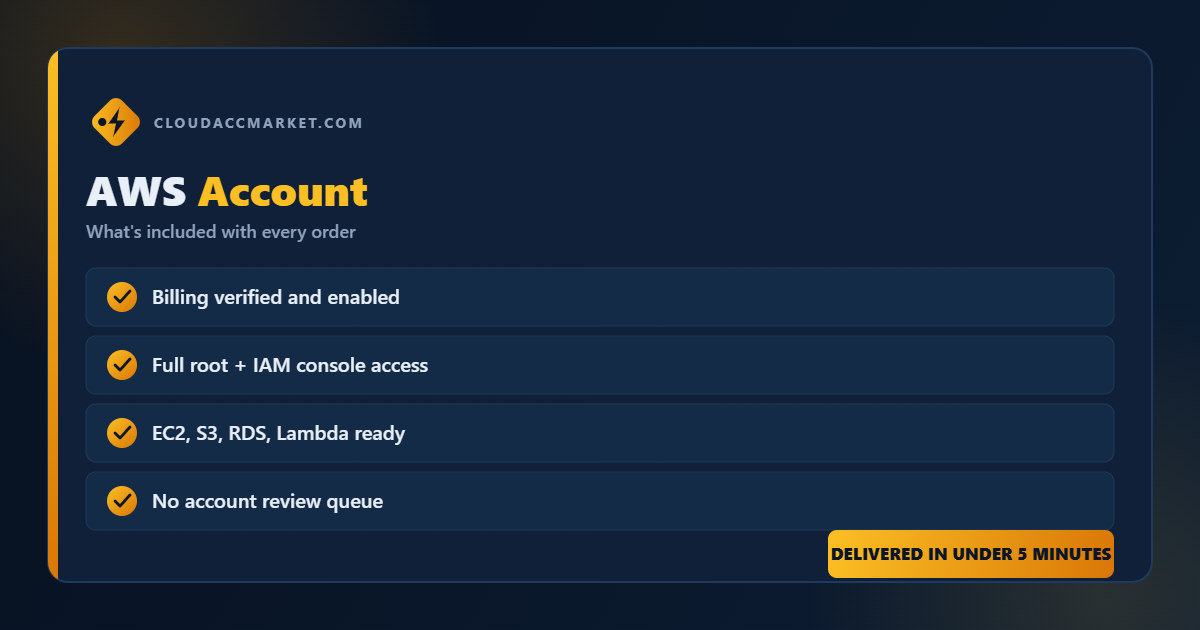
- A verified AWS account — Billing enabled, out of review, tested before dispatch.
- Root and IAM console access — Full control from the first login.
- Login credentials — Sent to your checkout email.
- Replacement warranty — Fails on arrival, we replace it.
- 24/7 support — Reachable at any hour.
Who Buys This
Developers and startups
Deploy this afternoon rather than next week. No review queue in the way.
Agencies
Isolated environments per client without dragging each one through AWS signup.
Students and certification candidates
AWS is still the most in-demand cloud skill. You cannot practise properly without a working account.
Anyone AWS has refused
Card declined, country unsupported, account stuck in permanent review — this is the way through.
Your First Ten Minutes
- Secure the root user — Change the password and enable MFA on root. Then stop using root for daily work.
- Create an IAM user for yourself — Give it only the permissions you need. Working as root is how people end up with expensive accidents and no audit trail.
- Set a billing alarm before deploying anything — AWS will let you spend serious money very quietly. A budget alert costs nothing and has rescued more engineers than any other setting.
AWS Account Specification
Pitfalls to Sidestep
- Working as root — Create an IAM user immediately and lock root away behind MFA.
- Deploying with no budget alarm — The most common expensive mistake in cloud, by a wide margin.
- Forgetting resources in other regions — Resources are region-scoped. Keep everything in one region until you have a reason not to.
The Warranty, in One Line
If your AWS account does not work on arrival, we replace it. There is no claim form, no waiting period and no debate about whose fault it was. Message our support team and it gets sorted.
Every account is checked by hand before it is listed, payment runs through an encrypted checkout, and support is reachable at any hour. Our About page explains how we work without the marketing gloss.
Frequently Asked Questions
Is this a genuine AWS account?
Yes — a real AWS account with billing enabled, tested before dispatch.
Can I deploy immediately?
Yes. Billing is live and the account is out of review.
Who pays for the resources I use?
You do, to AWS, as normal. We supply the account; Amazon bills usage. Set a budget alert.
Can I change the password?
Yes — change the root password and enable MFA as your first action.
What if the account has a problem?
Support replaces it under warranty.
Do you sell Azure and GCP?
Yes, and DigitalOcean.
Bought Alongside This
Browse the rest of our Cloud Accounts, or see everything in the CloudAccMarket store. Customers buying a AWS account commonly add:
What AWS Actually Charges You For
This trips up almost everyone new to the platform, so it is worth stating plainly: buying the account and paying for what runs on it are two separate things. We supply a verified, billing-enabled account. Amazon then bills that account for what you actually consume — compute hours, storage, data transfer out, and so on.
The consumption model is what makes AWS both powerful and dangerous. An idle t3.micro costs a rounding error. A forgotten GPU instance left running for a fortnight costs real money. Data transfer out of AWS is billed and is the classic surprise on a first invoice. None of this is hidden — it is simply not obvious until it has happened to you once.
Set a budget alert on day one, tag your resources so you can see what belongs to what, and tear down experiments when you are done. Do those three things and AWS is entirely predictable. Skip them and it is not. If you would rather have flat, predictable pricing, our DigitalOcean accounts bill very differently and may suit you better.
Which Cloud Should You Actually Buy?
If you are undecided, the short version: AWS for breadth and hireability, Google Cloud for data and machine learning, Azure if your organisation already runs Microsoft, DigitalOcean if you simply want to ship. All four are in our Cloud Accounts range.
Order Your AWS Account
Stop losing days to a signup form. Order a verified, billing-enabled AWS account and be deploying within five minutes.
Reviews
There are no reviews yet.